


Images & Graphics
Images and graphics can enhance learning, but without proper descriptions, they may exclude students who rely on screen readers or other assistive technologies. Use the following guidance to ensure your images are accessible by adding meaningful alternative text or marking them as decorative when appropriate.
What is alternative text?
Alternative text is the description a screen reader will read when it encounters an image or graphic on a page. Alternative text is also known as alt tag, alt text, alt attribute, or image description. This means you should:
Alternative text must be sufficiently descriptive so that someone using a screen reader would have as much information about visual content as users looking at the image(s). It is also important keep it around 150 characters or less. If a longer description is needed, add a paragraph contiguous to the image, and use referential alternative text like, “A red barn as described below.”
Alternative text should not just be the name of the image file or a generic description. “A red barn” does not convey the same thing as a “Red barn with white trim and a quilt with a blue Star of David on white hung above the barn doors."
Decorative images are those that add no informative value, such as dividing lines, borders, or stylistic shapes. When an image is used purely for visual effect, it should be marked as decorative so screen readers know to skip it. However, not all aesthetically pleasing images are decorative—if you included an image like a kitten chasing a butterfly for a reason, it needs alternative text to convey its meaning.
Example
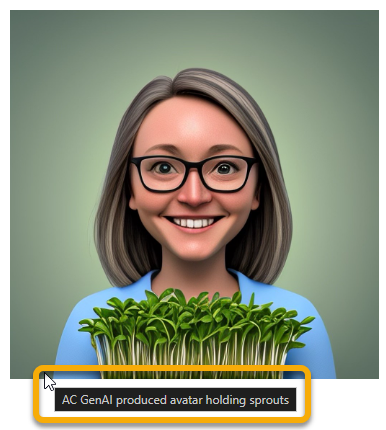
Non-Example
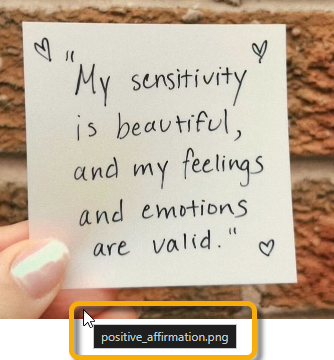
Why is alternative text important?
When alternative text is present for an image, students who are visually impaired can still access the necessary information. Using alternative text makes your images accessible to all students in your course. Images should only ever be marked as decorative if the image is used for aesthetic purposes (e.g. fancy borders).
For tool specific assistance on adding alternative text to images, charts, pictures, SmartArt graphics or other objects, please checkout the following guides/videos:
- Microsoft Step Guide to Adding Alternative Text
- D2L Brightspace Guide on Alternative Text for HTML Content
For assistance with generating alternative text for academic purposes, the ASU Image Accessibility Creator is a helpful tool to getting started.